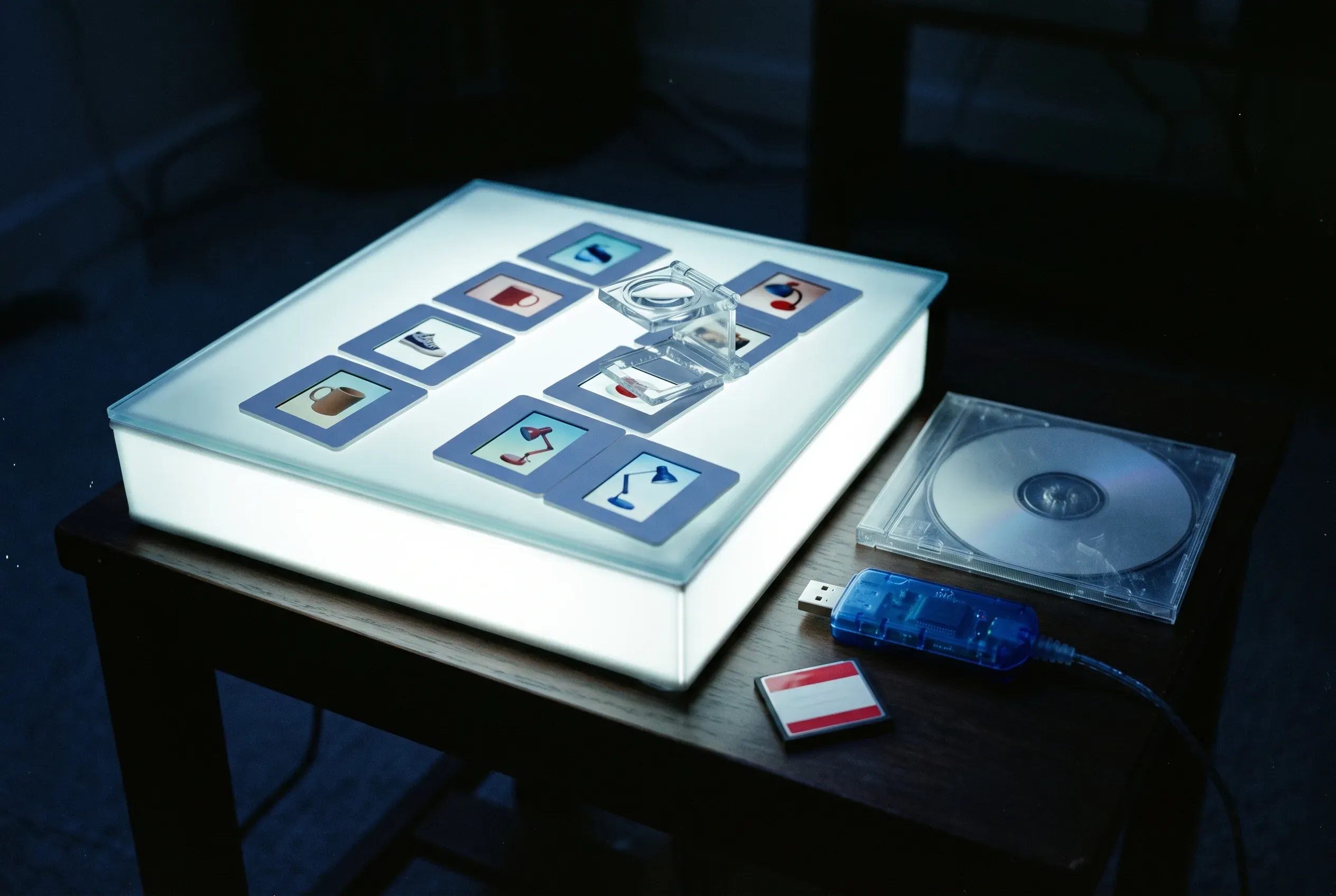
Digital asset management, or DAM, is software that keeps a company’s files in one library. For an online store those files are product photos, videos, size charts, spec sheets and manuals. The DAM stores each file once, and anyone on the team can search for it.
The term covers the habit as well as the tool. The habit is agreeing where files live, what they’re called and who can change them. The tool does the storing and the finding.
Most stores start without either. Photos come back from the photographer as a download link and land in a Google Drive folder. Someone renames a few. Someone else crops them for Shopify, and the cropped copies stay on a laptop. A year later there are four versions of the same mug photo, and nobody can say which one is live on WooCommerce. A DAM exists so that question has one answer.
What counts as a digital asset
Any file your business owns and uses more than once. For a store that sells physical products, the list usually looks like this:
- Packshots on a white background, one per angle and per color
- Lifestyle photos of the product in use
- Cutouts saved as PNG with a transparent background
- Product videos, unboxings and how-to clips
- Spec sheets, manuals, safety data sheets and certificates, usually as PDF
- Size charts, logos and brand files
The product title, price, SKU and description are not assets. They are product data, and they belong in a PIM. The split between the two comes up again below.
What a DAM does
At its simplest, a DAM does four jobs.
It stores the original. Every file goes in once, at full resolution, and that copy is the one the whole team uses.
It organizes. Files go into collections, folders or tags. One file can sit in several collections without a second copy.
It finds. You search by file name, filter by file type, or open one collection. Once a library passes a few thousand files, search is the part you use every day.
It delivers. The file goes from the library to wherever it’s needed, such as a product page or a marketplace listing. When the file changes in the DAM, the places that point to it get the new version.
Large DAM platforms add a lot on top. Version history keeps every past edit of a file. Rights management tracks photo licenses and hides a file when its license runs out. Approval workflows send new creative to a brand manager before anyone can use it. Some platforms resize and convert files for each channel on the fly. Brand teams at big companies pay for those features. A store that shoots its own product photos rarely needs any of them.
DAM vs PIM
A PIM holds the words and numbers about a product. A DAM holds the files. A product listing needs both, because nobody buys a mug from a page with no photo.
| PIM | DAM | |
|---|---|---|
| Holds | Titles, descriptions, prices, SKUs, attributes | Photos, videos, PDFs, logos |
| Organized by | Product, variant, category, brand | Collection, file type, folder |
| Main job | Send the same product data to every sales channel | Keep one good copy of each file |
| Used most by | Merchandisers and catalog managers | Photographers, designers and marketers |
Trouble starts when the two live in separate tools. The product record points to an image by a URL or a file name. Someone renames or moves the file in the DAM, and the link breaks. Or the photographer re-shoots the red variant, the new photo goes into the DAM, and the PIM still points to the old one. A team running both tools ends up syncing them by hand, which is the job you bought each tool to remove.
That’s why most PIM tools now include a DAM. When the product record and its images live in the same database, a product points to the file itself, not to a copy or a link that can go stale.
Signs your store needs a DAM
- Someone asks “where’s the latest photo of this?” every week
- The same image sits in three folders with names like
mug-final-v2-USE-THIS.jpg - Shopify and WooCommerce show different photos for the same product
- A variant shows the wrong color because nobody updated its image
- Spec sheets live in one person’s inbox
- A new hire or a freelancer loses a day finding the files they need
If two or more of these sound familiar, you have a file problem, and a bigger Google Drive plan won’t fix it.
Do you need a separate DAM tool?
Probably not, if you sell your own products online. Standalone DAM tools are built for brand and marketing teams that run campaigns across many markets. They price by seat and by storage, and they come with approval steps a five-person store won’t use. You’d still have to connect the DAM to your PIM and your storefront afterwards.
A DAM inside your PIM covers what a store needs. It keeps one copy of every file, attaches it to the products that use it, and sends it to each channel when you publish.
A standalone DAM earns its price at a large brand with an in-house creative team, licensed photography and agencies sending work in for review. If that’s you, buy one.
How the DAM in Sellufy works
Sellufy has a DAM built into the PIM, and it comes with every plan, including Free.
- Upload photos, videos and PDFs up to 100 MB each.
- Group files into libraries. Each library has a name and a color, and one file can sit in several libraries without a copy.
- Star the files you use most and find them again under Favorites.
- Search by file name and filter by images, videos or documents.
- Attach a file to a product or to a single variant. Ten products can share one lifestyle photo, and Sellufy stores it once.
- Publish to Shopify or WooCommerce, and Sellufy sends each product’s images with it. Variant images go to the right variant.
- Product images you generate with AI enrichment land in the same library as your uploads.
Sellufy’s DAM does not keep version history, track photo licenses or run approval workflows. If you need those, you need a standalone DAM.
Free includes 500 MB of storage. Growth, at $9 a month, includes 2 GB, and the plans go up to 500 GB. The DAM feature page has screenshots, and the pricing page has storage for every plan.
Frequently asked questions
Is Google Drive a DAM?
Not really. Drive stores files and searches them by name, which covers part of the job. It doesn’t know which product a photo belongs to, and it can’t send that photo to Shopify when you publish. For a small catalog, Drive plus strict file names can work for a while.
How much storage does a store need?
Less than most people guess, as long as you store web-ready images. A product photo exported at 2,000 pixels wide is usually under 1 MB. A catalog of 250 products with 5 photos each comes to about 1.25 GB. Video changes the math, since one minute of 1080p video from a phone is often around 100 MB.
Is a DAM the same as a PIM?
No. A PIM manages product data such as titles, prices and attributes. A DAM manages files such as photos and PDFs. The table above sets them side by side.